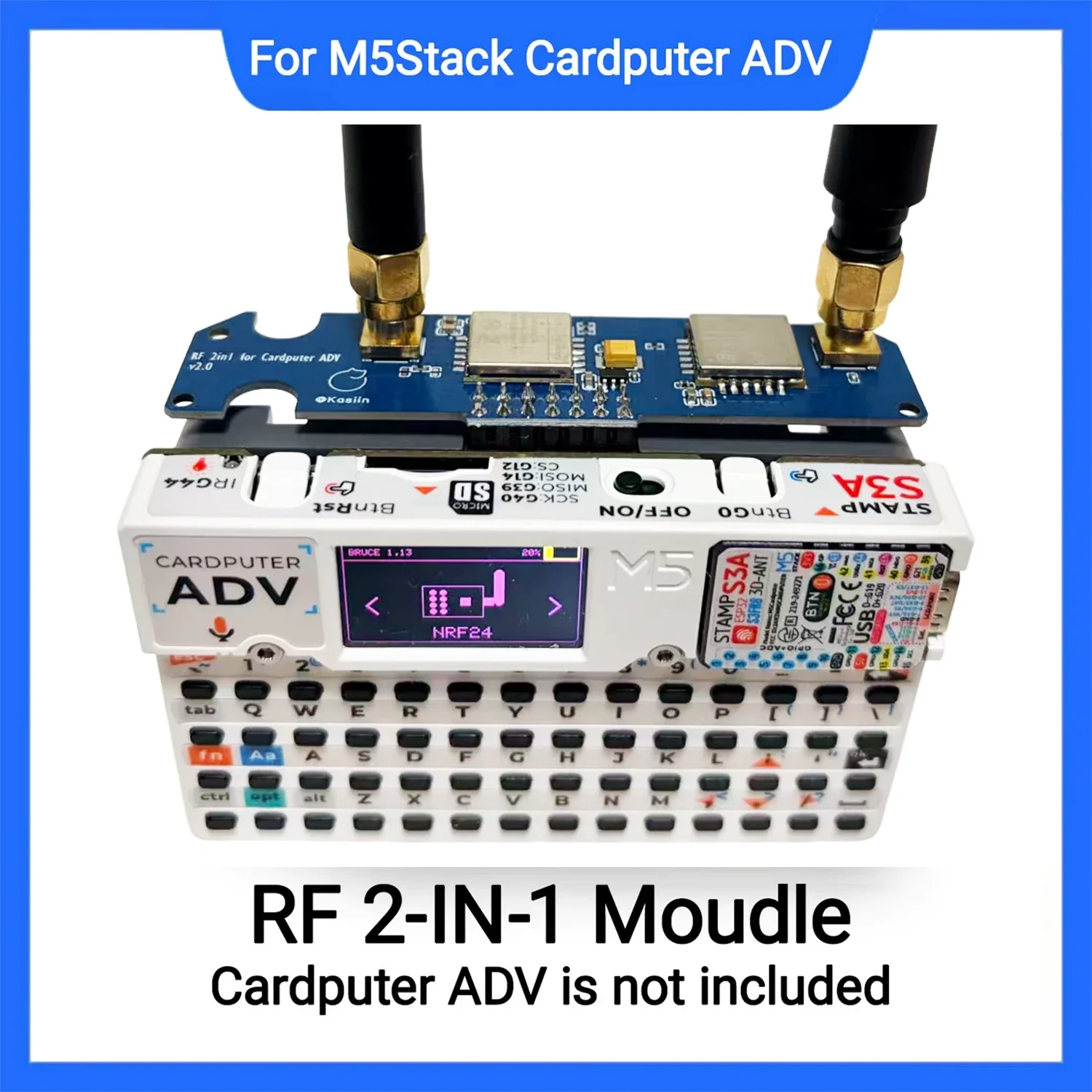
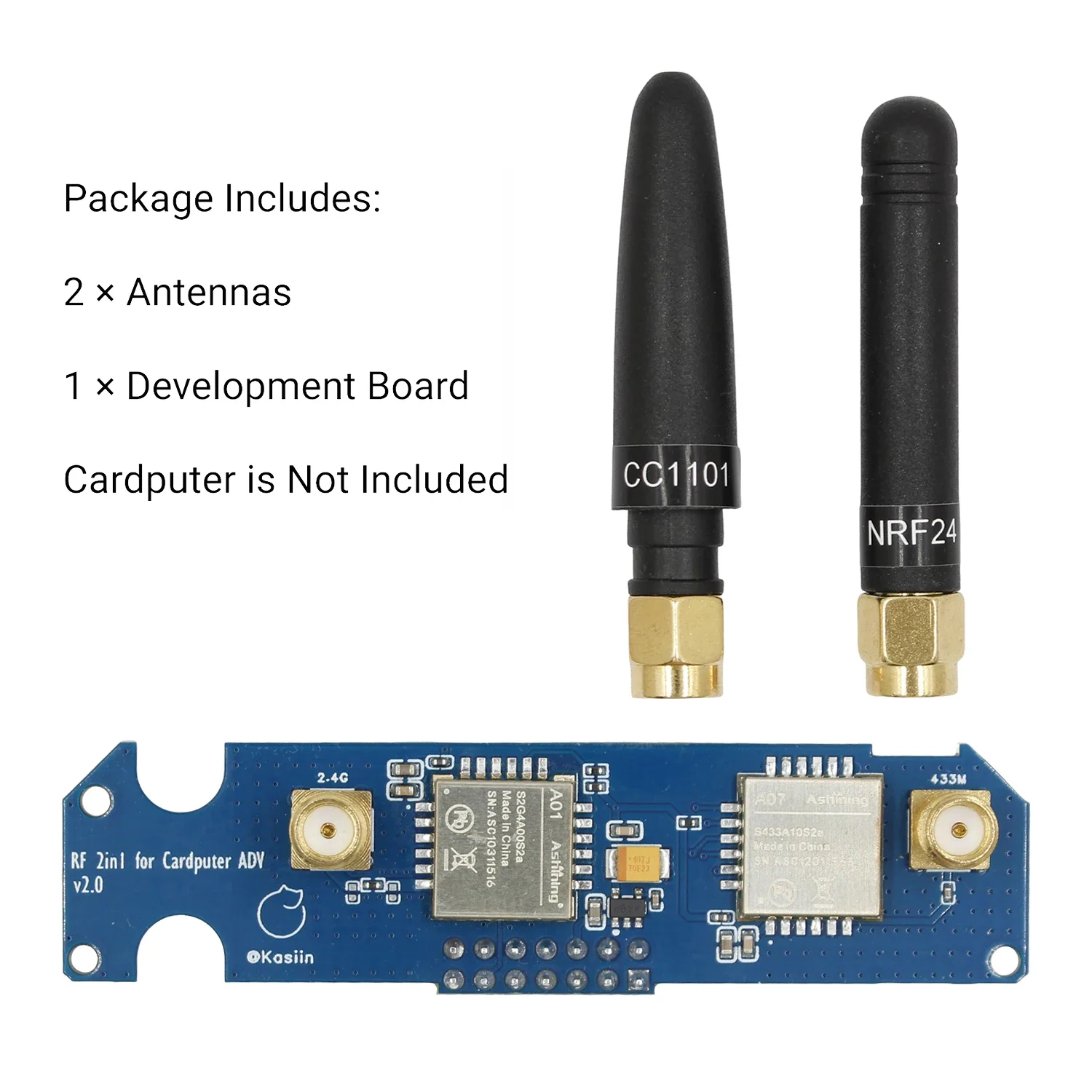
Upgraded 2-in-1 RF Module For M5Stack Cardputer ADV NRF24+CC1101 Compatible, 2.4GHz 433MHz Wireless Board, Enhanced Filtering
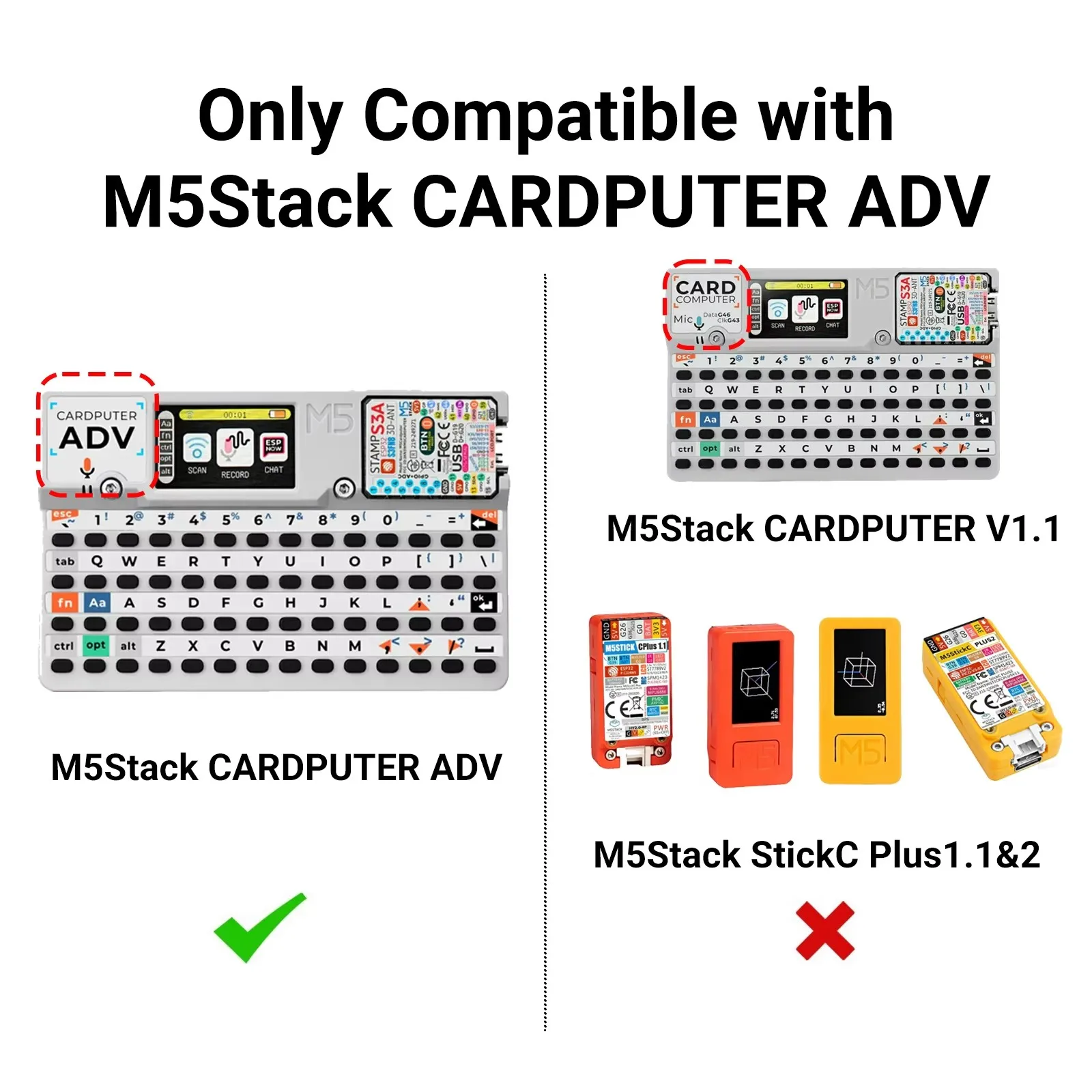
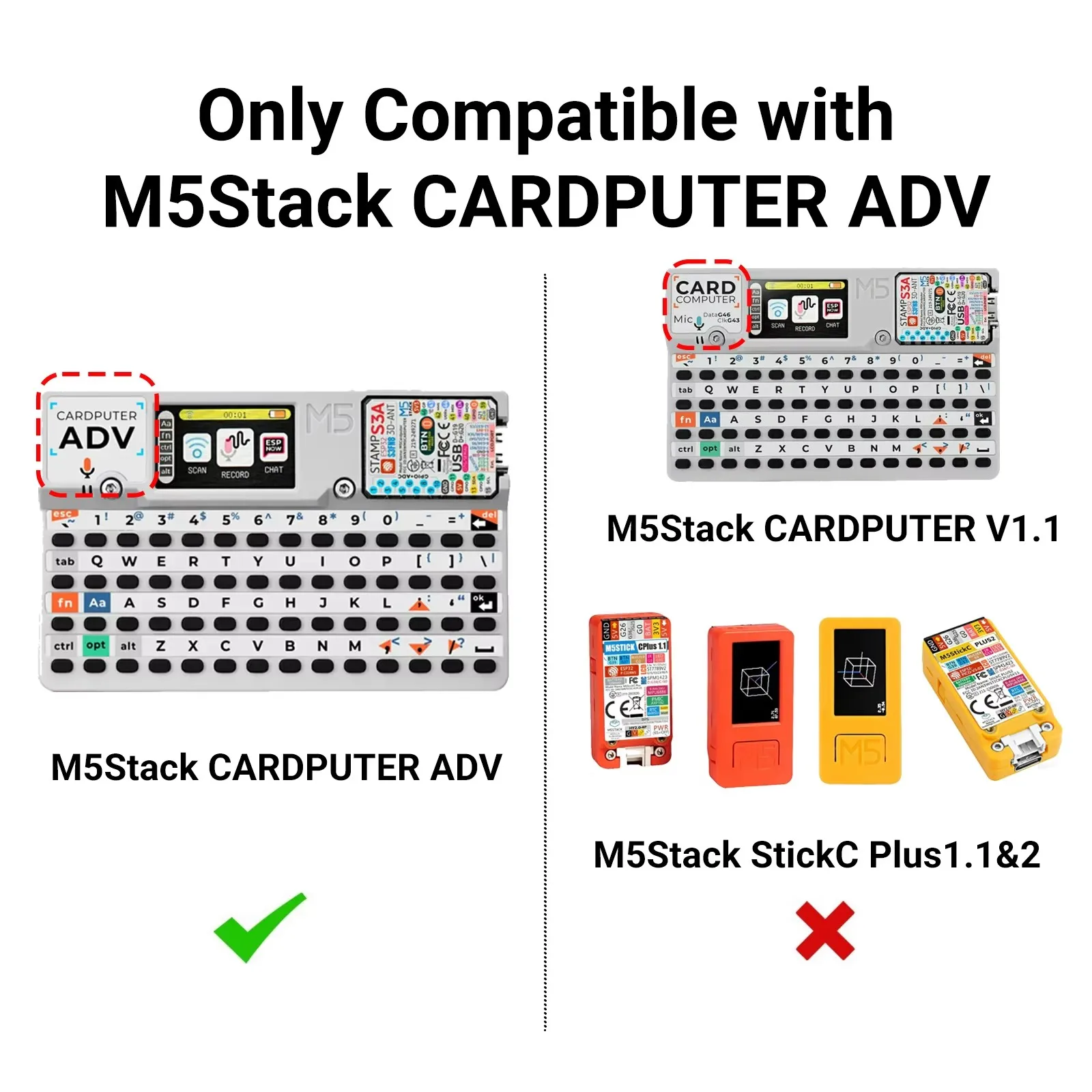
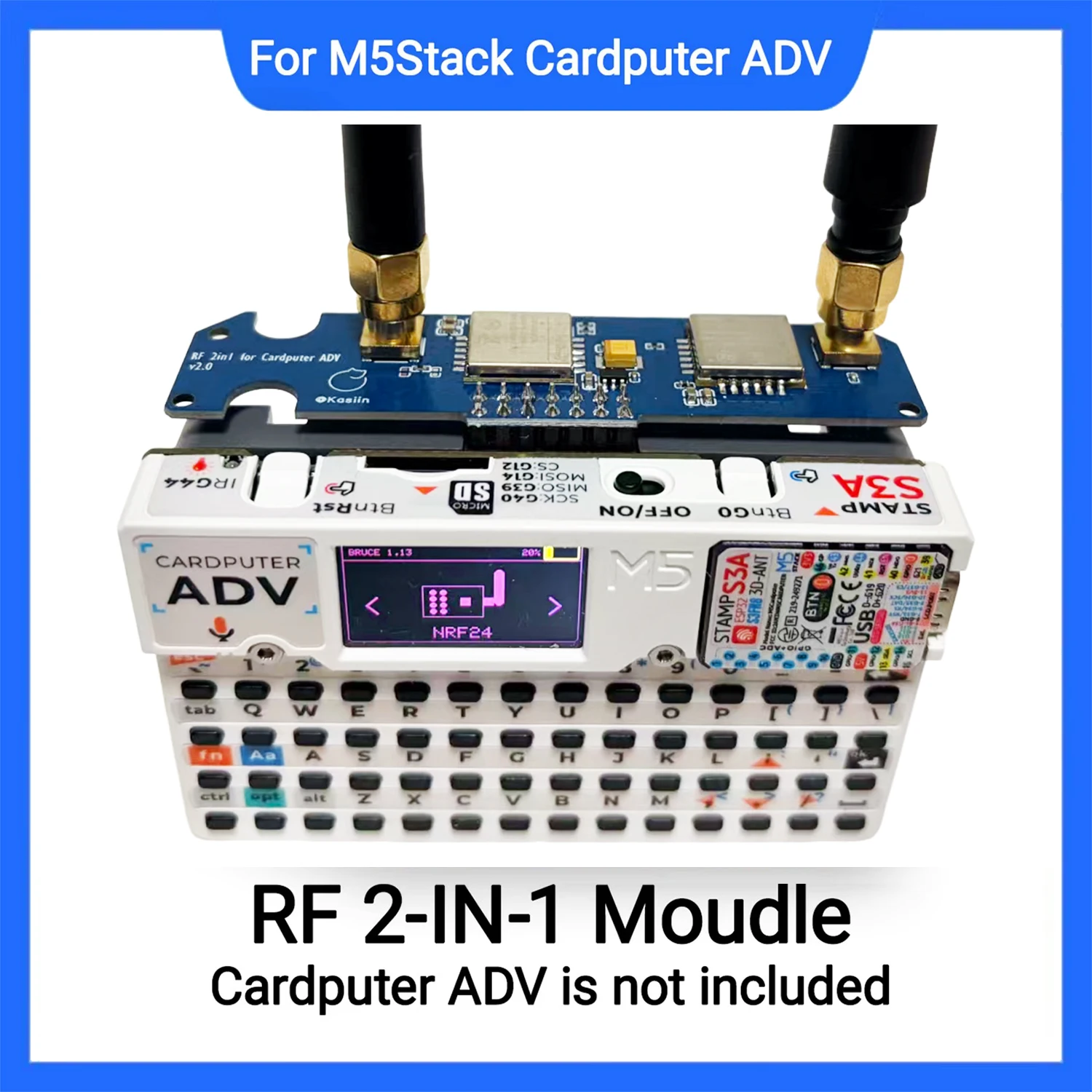
Compatible with Cardputer ADV, self flash Bruce firmware
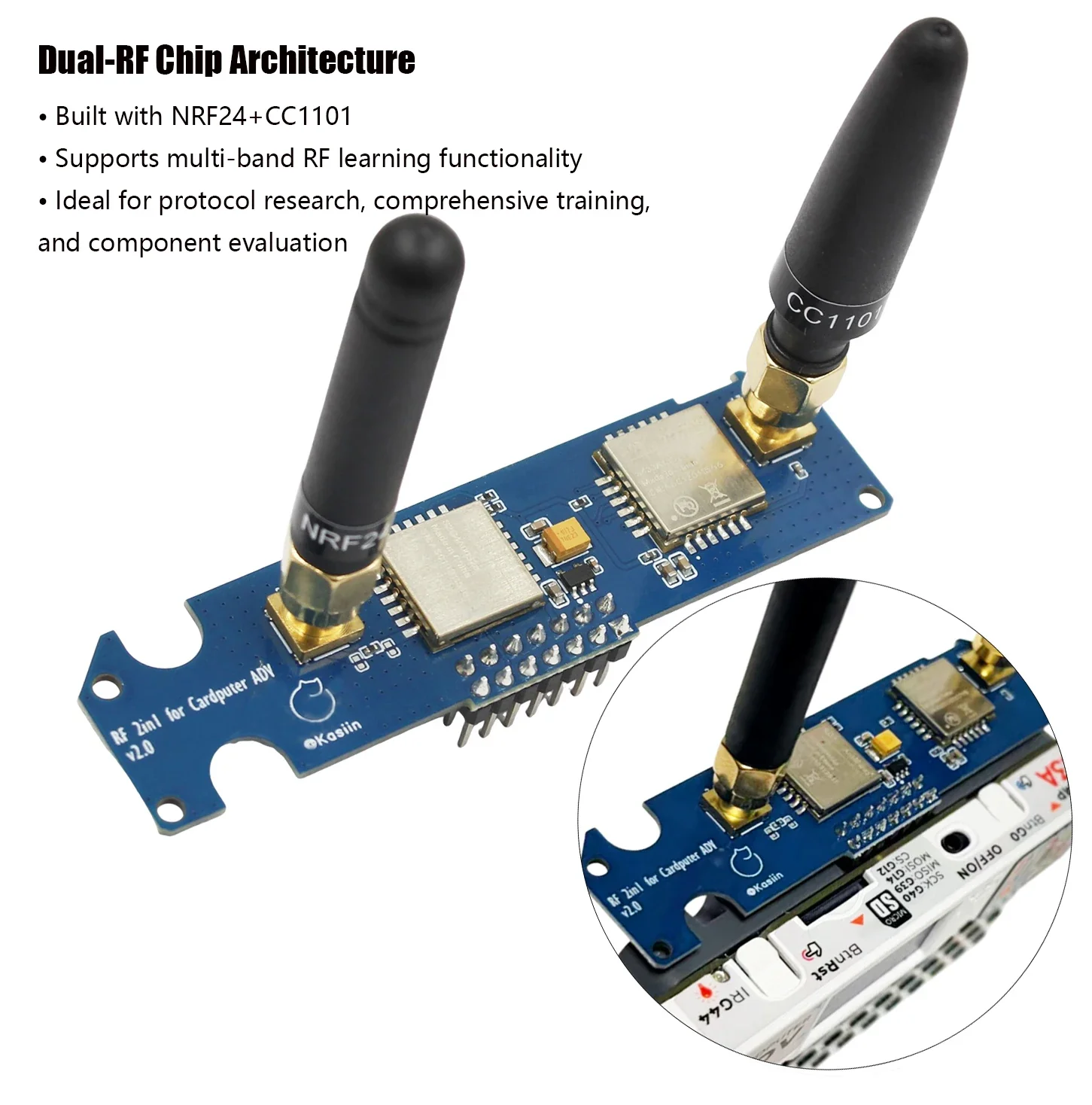
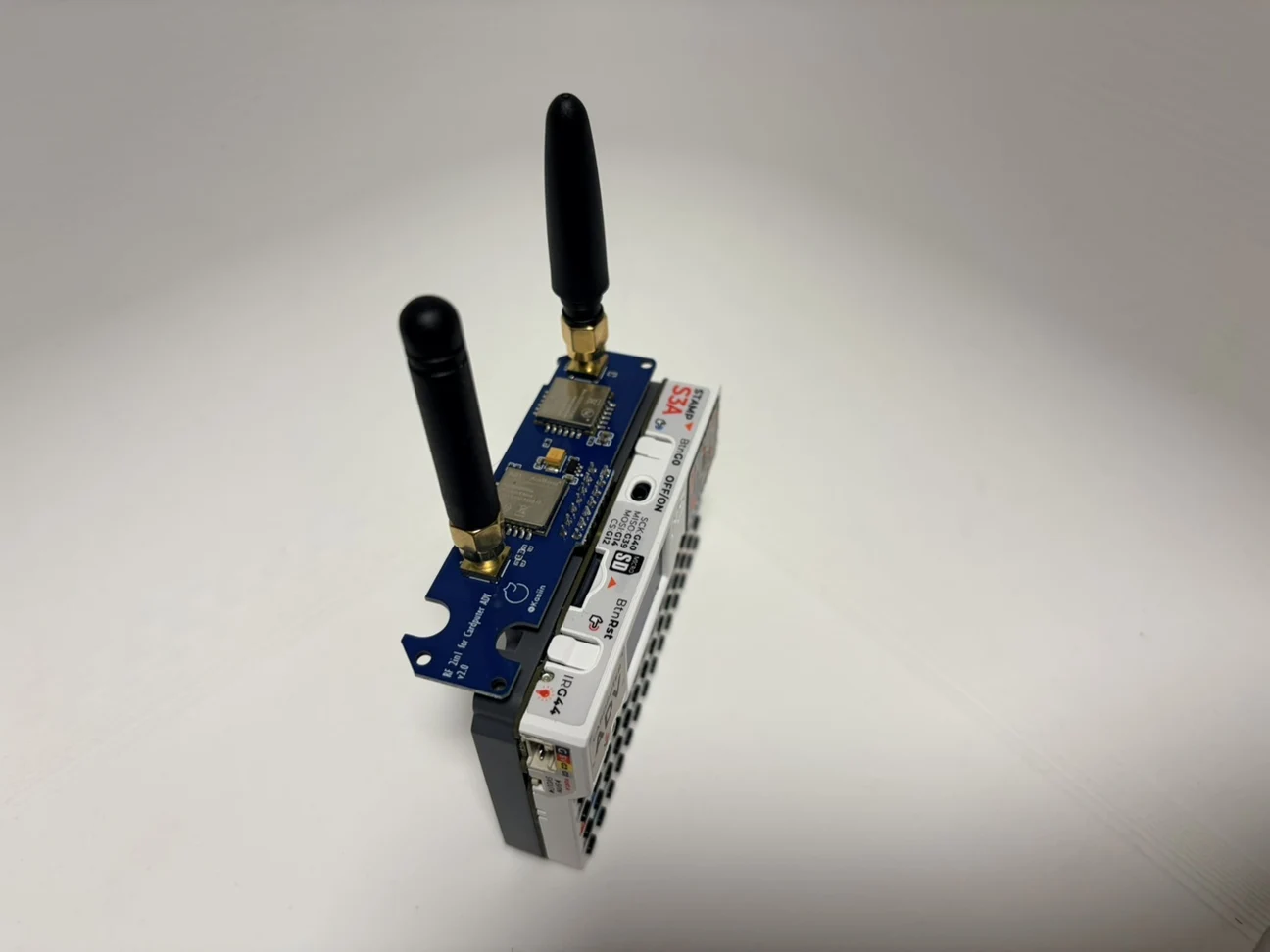
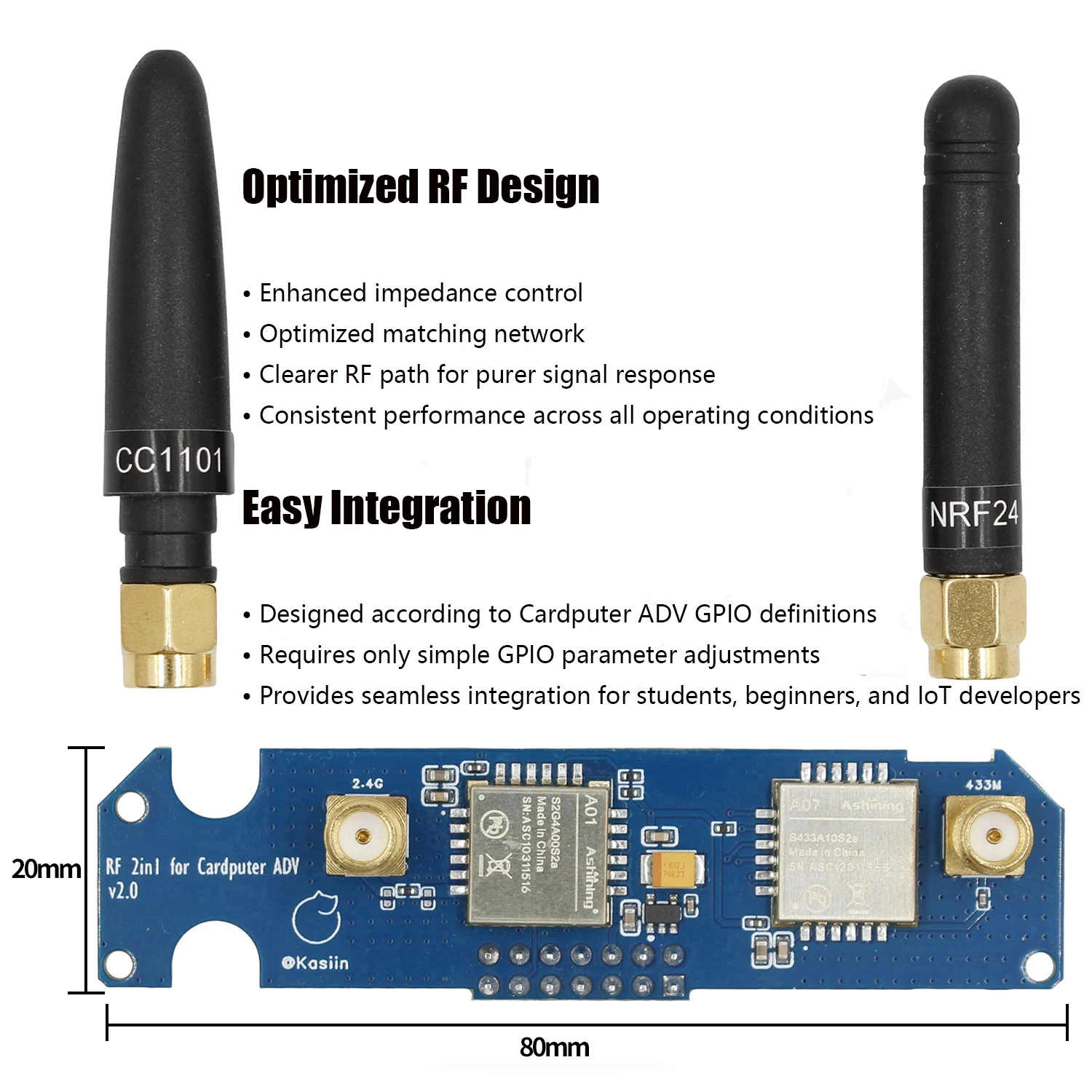
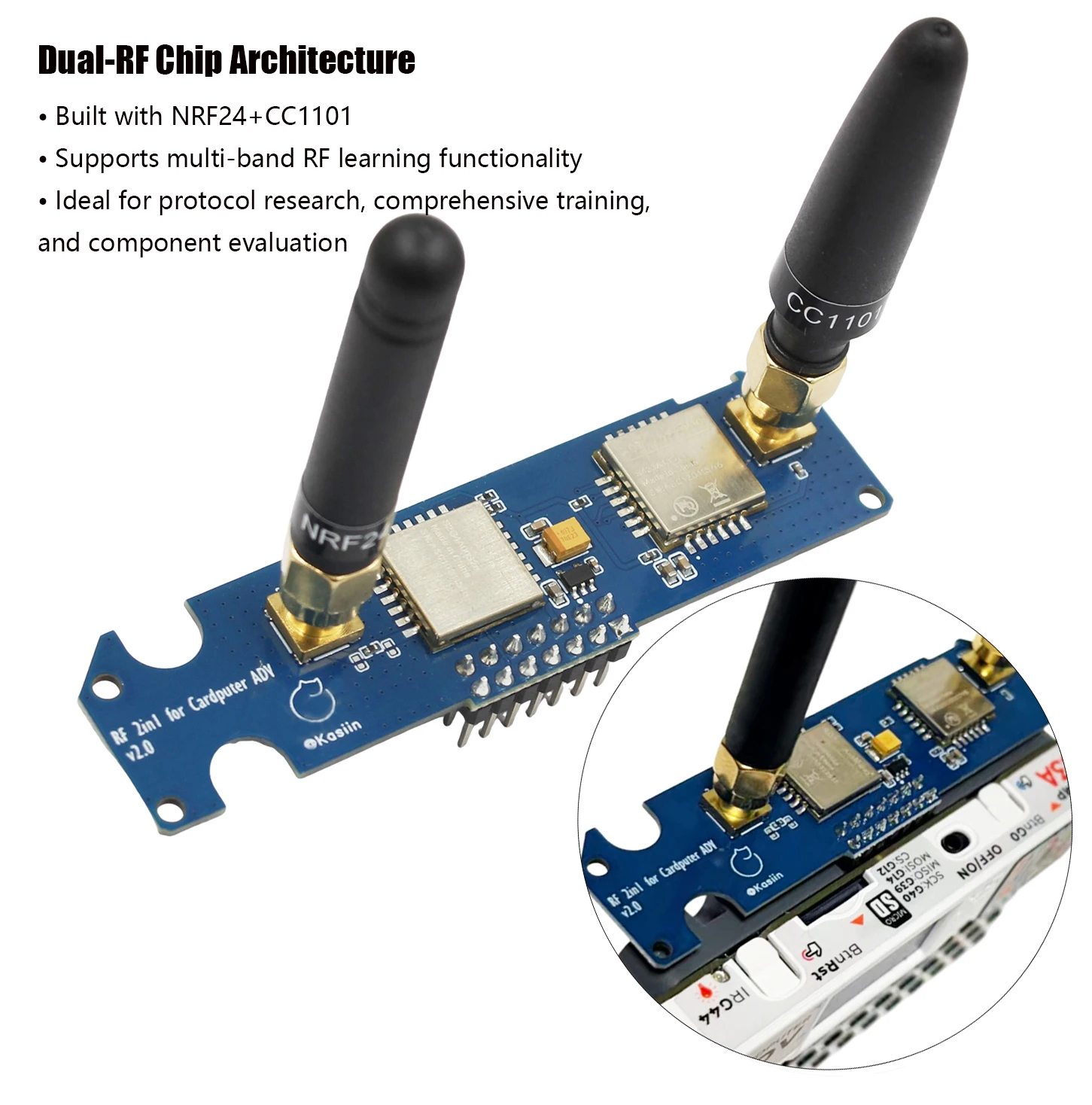
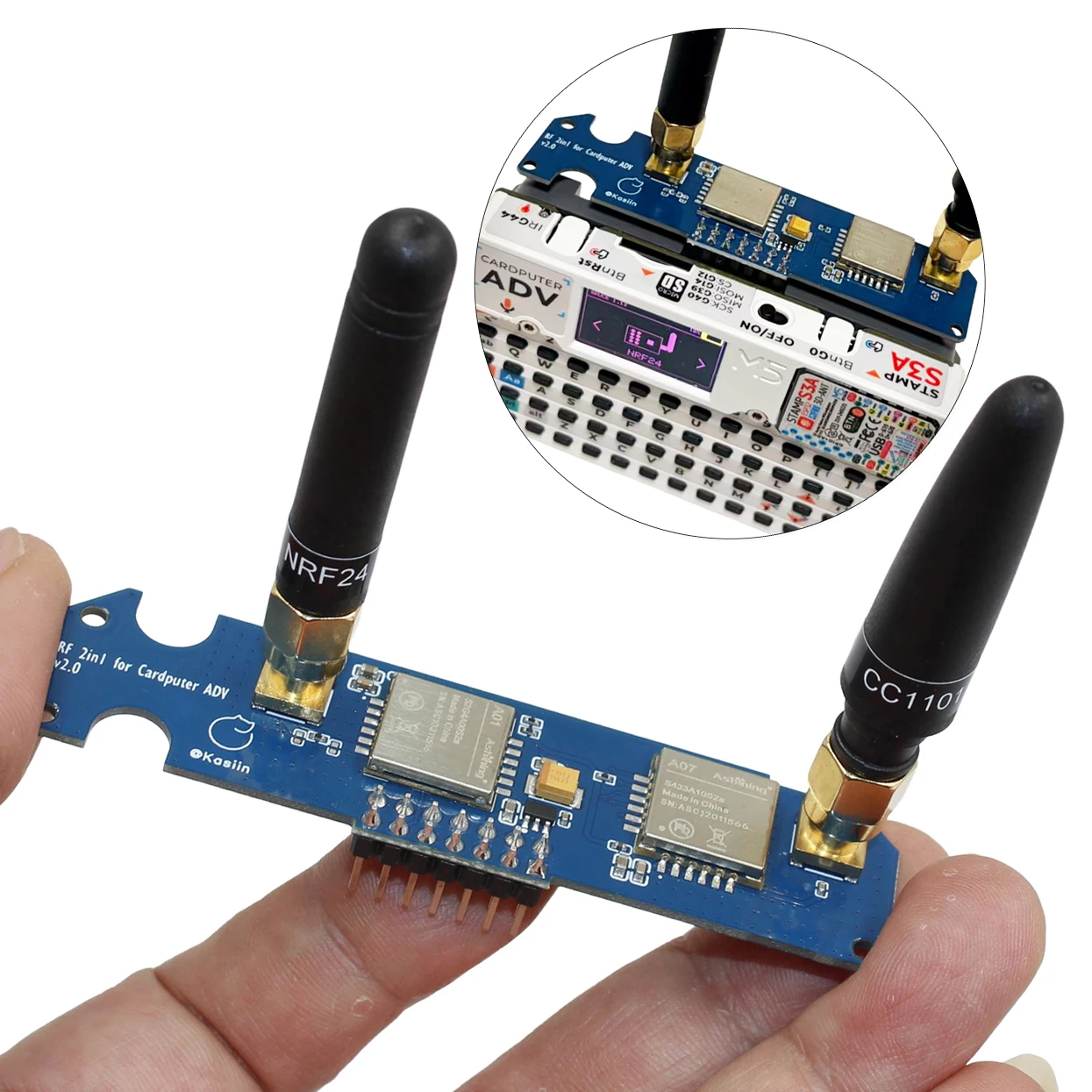
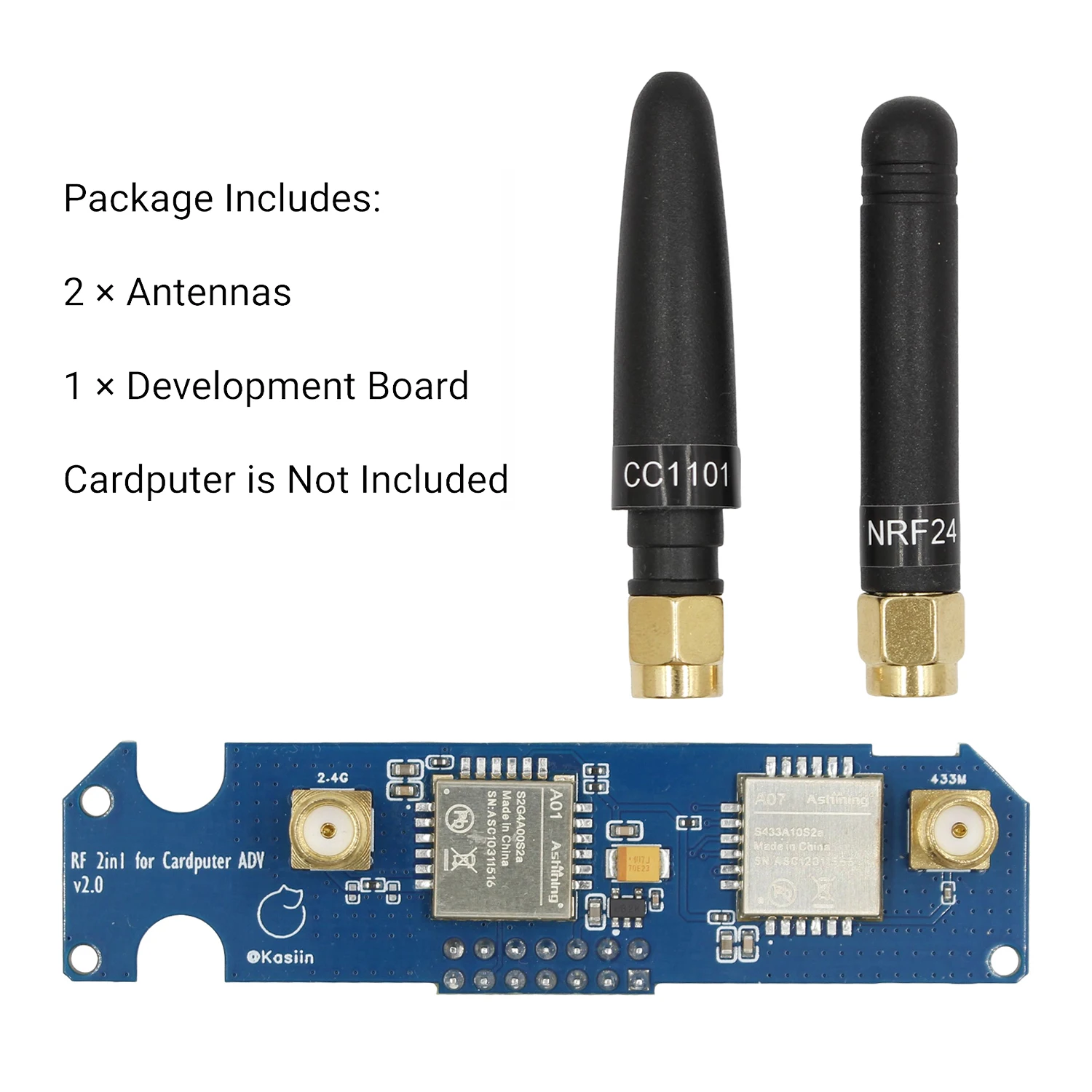
RF module 2-in-1, including cc1101 and nrf24.
NRF24 module, implementing NRF24 jammer.
CC1101 module implements SubGhz signal reception and transmission.
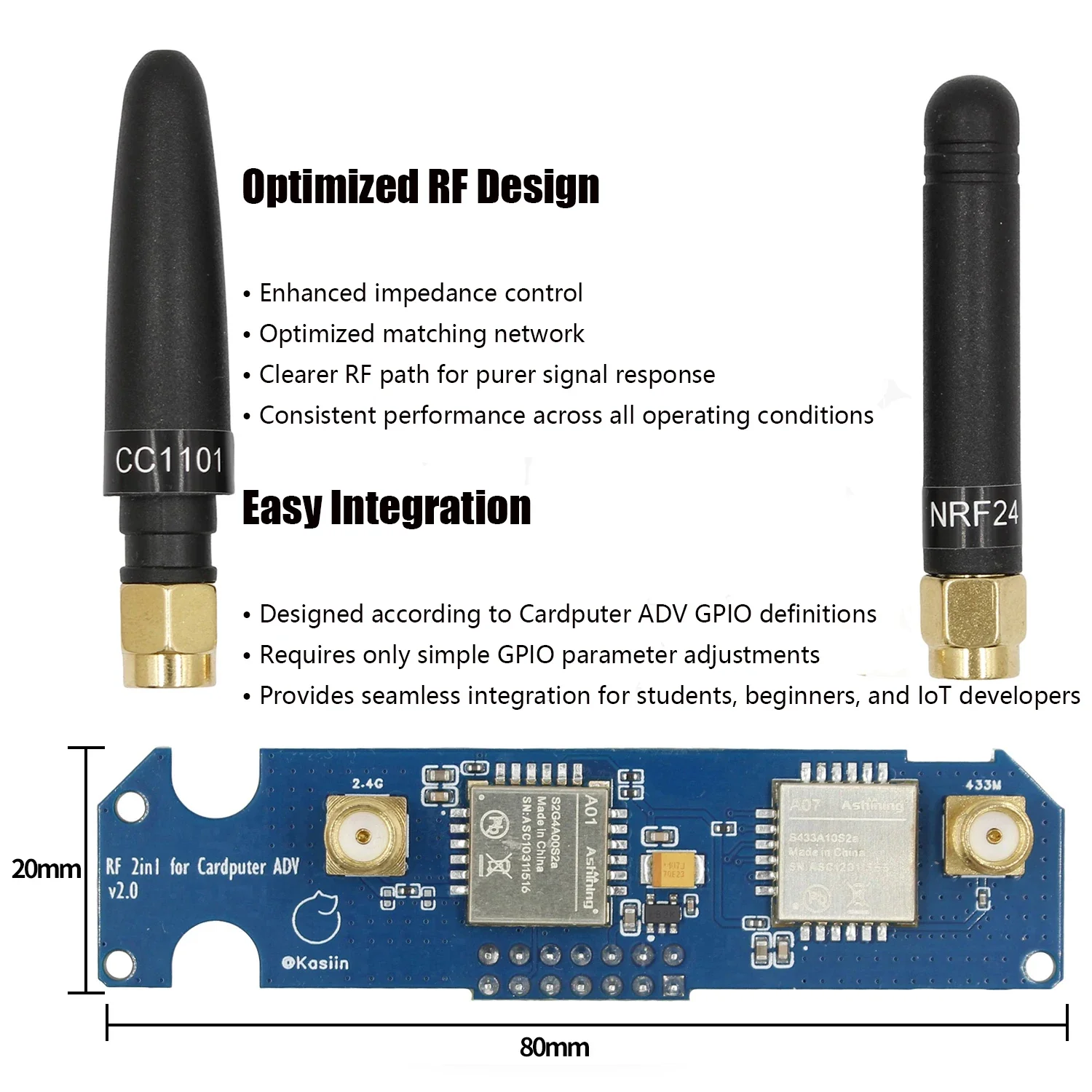
Adjust the RF circuit, update the version, the new version does not require switching between two functions, impedance matching, better effect, blue PCB.
Enhanced power stability for higher performance consistency. The use of ME6211 low-noise regulation+100 μ F tantalum capacitor energy storage can improve transient current handling and voltage stability, help the module maintain more consistent performance under high load conditions, and reduce problems caused by power fluctuations.
Improved signal and RF/antenna path design. Optimized RF routing and connection consistency (design/return path/connection details) to improve stability and consistency, providing a more powerful and reliable feel in practical use. The actual results vary depending on the environment and antenna configuration.
How to use
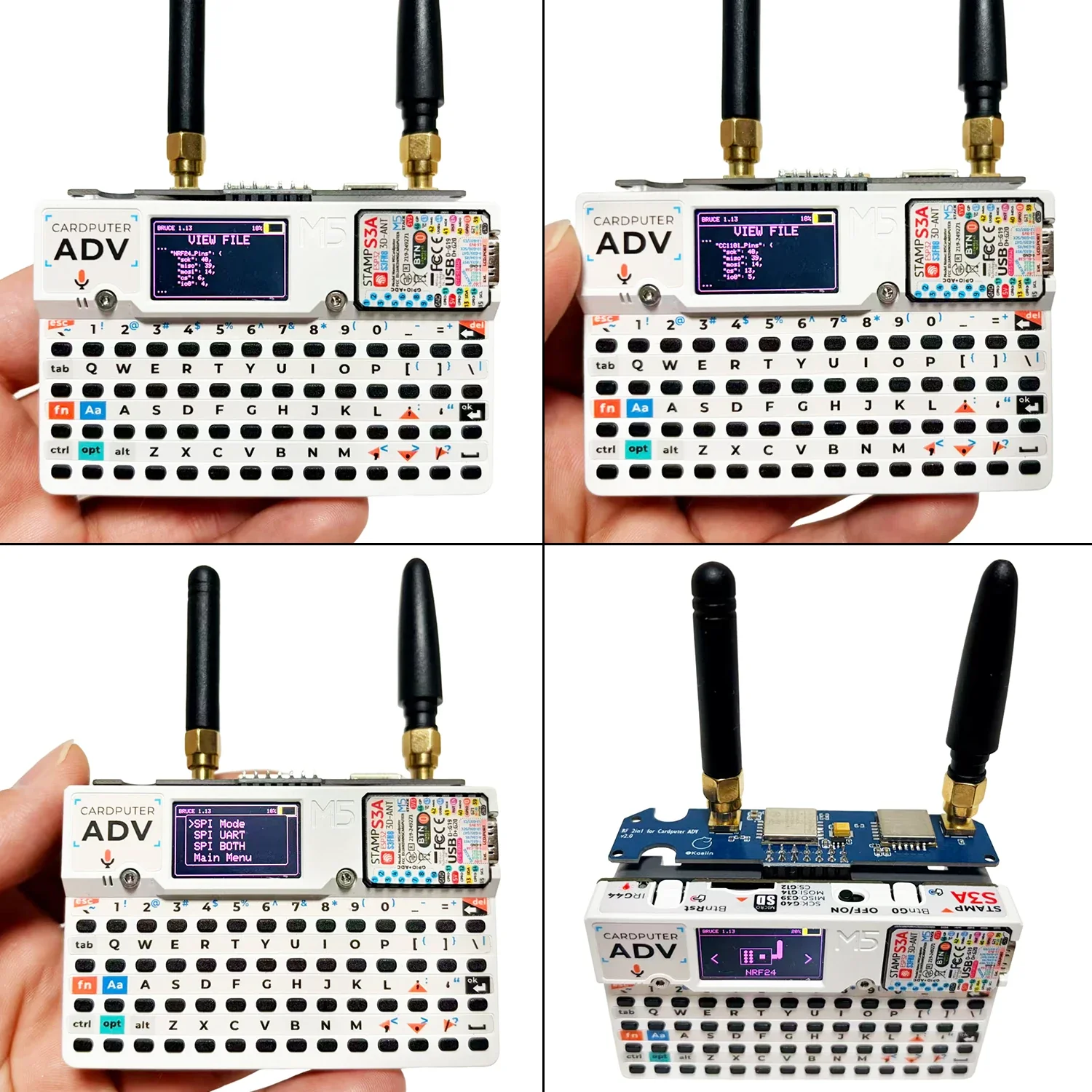
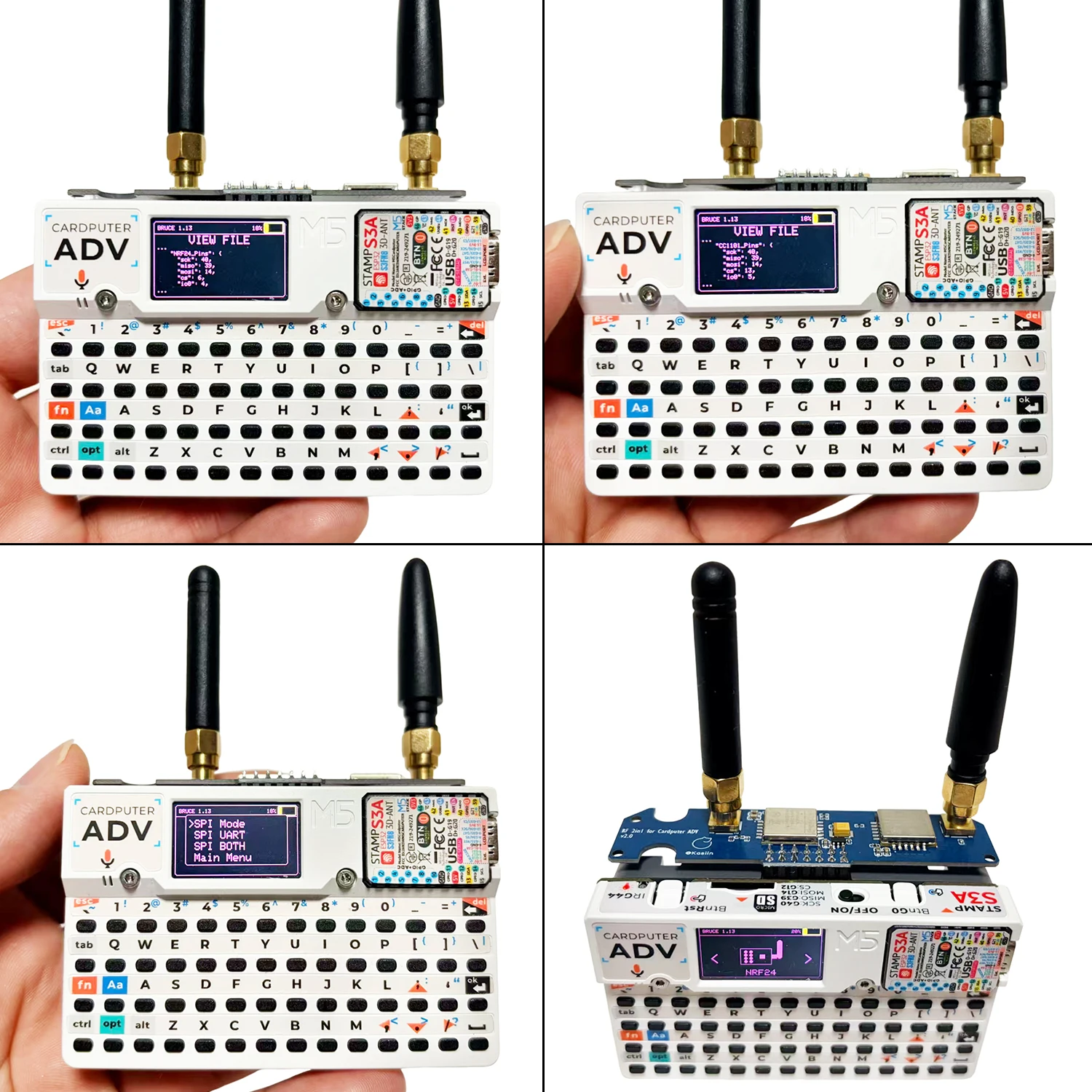
1After flashing the Bruce firmware, edit the pin configuration file “BrucePins.conf” located in the root directory of the SD card (or internal storage).
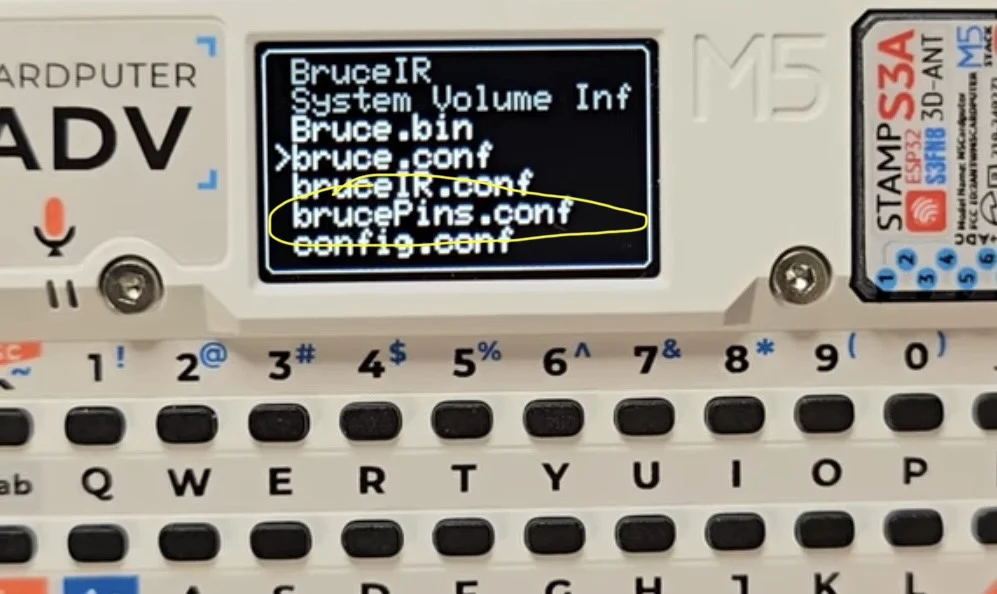
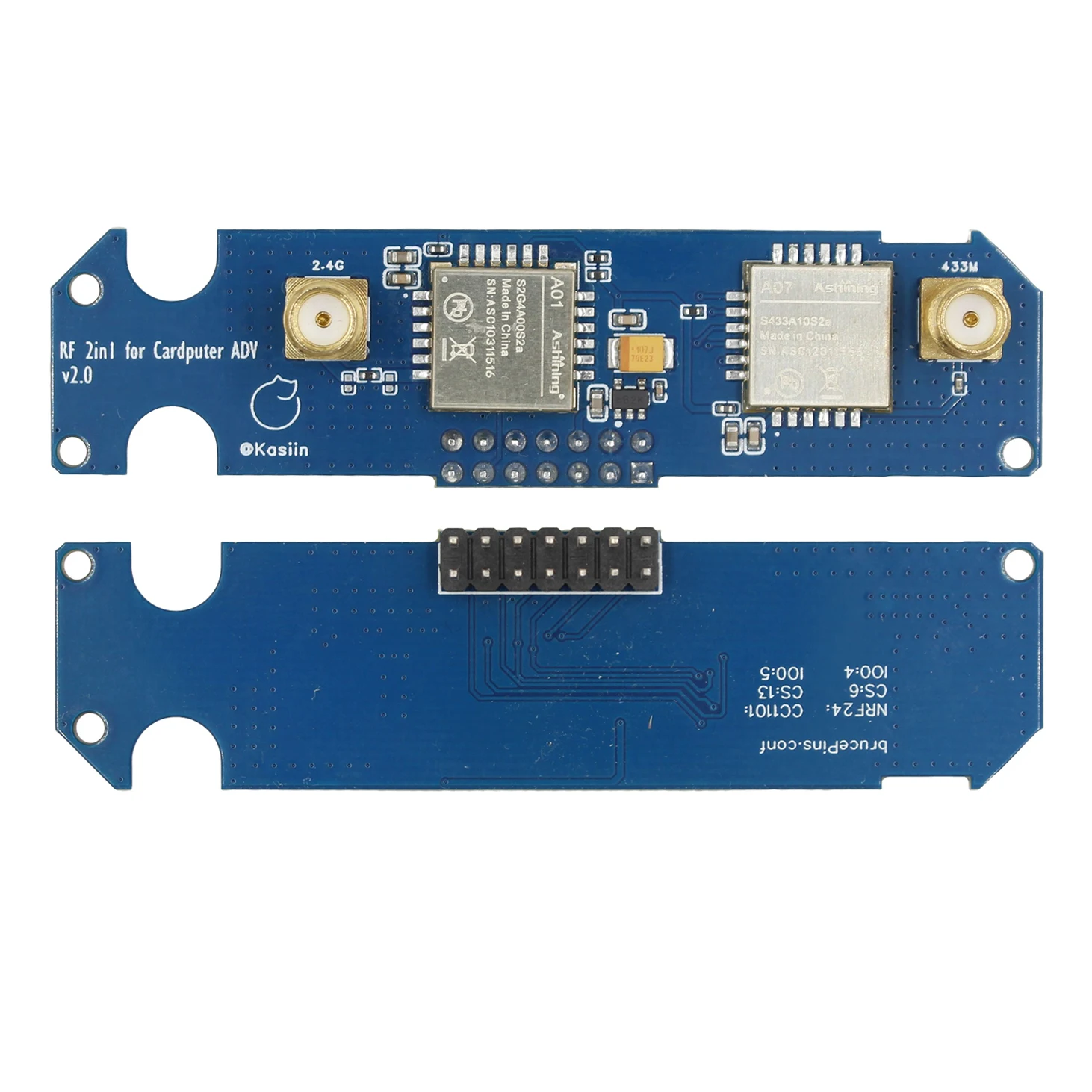
2Find the CC1101_Pins, change the CS pin to 13, and change the IO0 pin to 5.
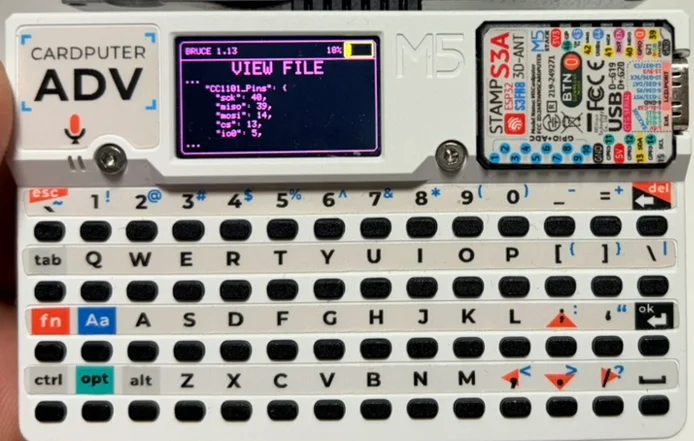
3Find NRF24_Pins, and similarly change the CS pin to 6 and the IO0 pin to 4.
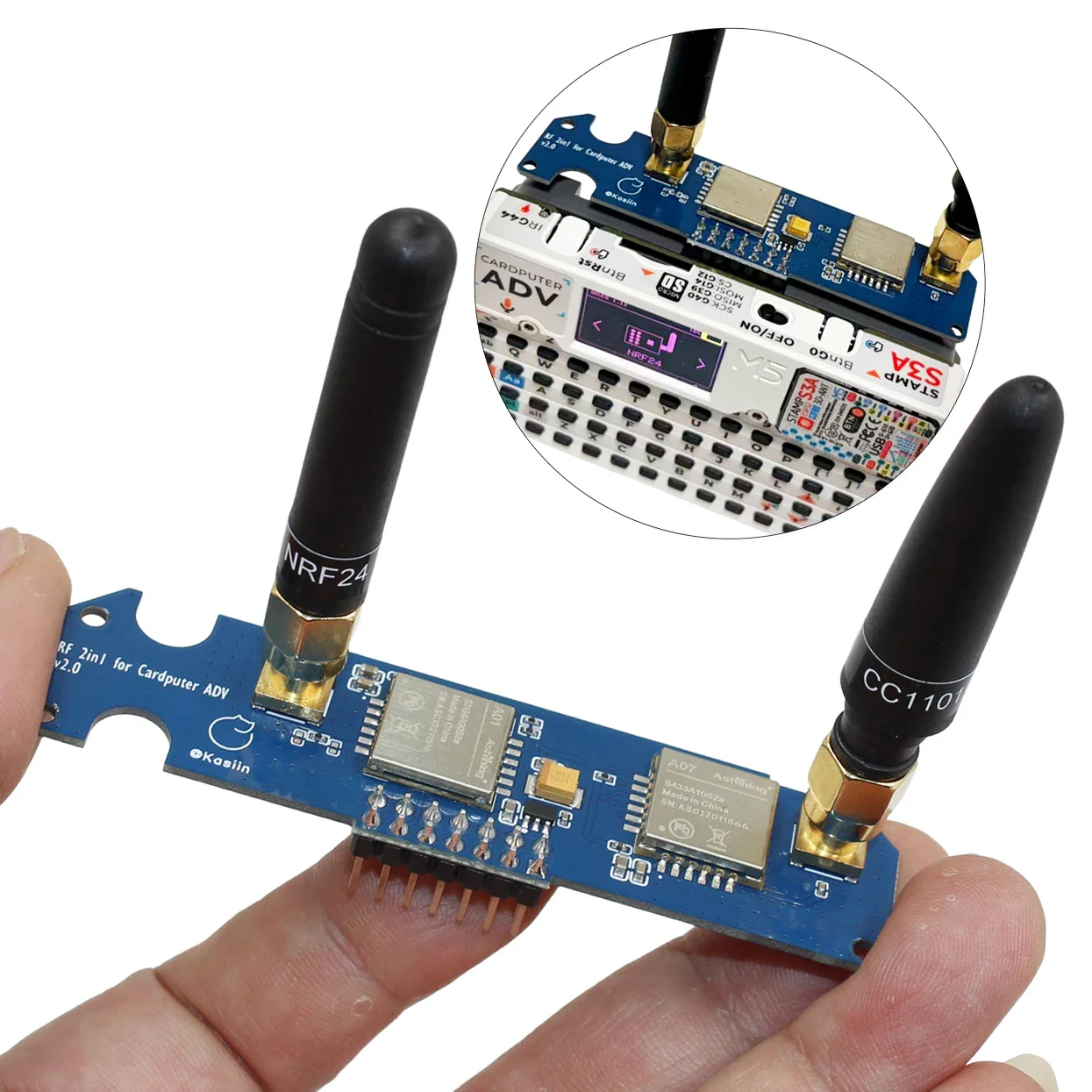
4Install the antenna, round-tip antenna for NRF24/2.4G, stubby chili antenna for CC1101/433M.
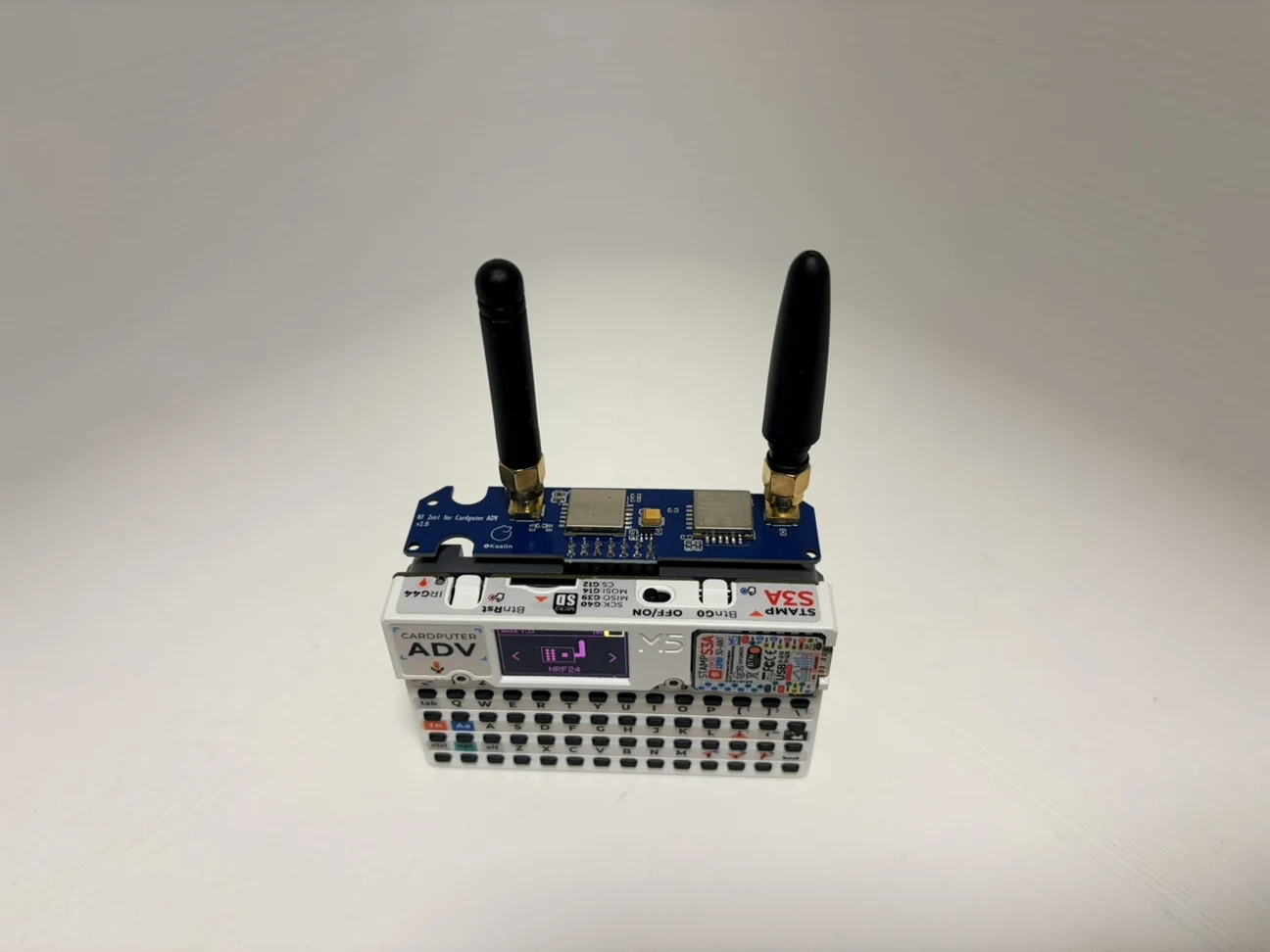
5Then insert the module into the Cardputer ADV's IO slot.
CC1101
1To use the CC1101 in Bruce, turn off your Cardputer and connect the module .
2Turn on the device, then navigate to "RF->Config->RF Module" and select "CC1101 on SPI"
3If the "CC1101 not found" error message appears, turn off the Cardputer ADV, recheck the connection and try again.
4If no error is shown, then the CC1101 is initted correctly, and you can use it in the RF menu.
5、For this module you can also set a custom frequency in the supported subranges: 300-348 MHZ, 387-464 MHZ and 779-928 MHZ. Setting an empty or invalid frequency will reset to the default 433.92 MHZ. This setting will only affect the receive and jamming features. Transmitting from a sub file will always use the frequency specified inside the file regardless of the user setting.
NRF24
1To use the NRF24 in Bruce, turn off your Cardputer ADV and connect the module.
2Turn on the device, then navigate to "NRF"
3If the "NRF not found" error message appears, turn off the Cardputer ADV, recheck the connection and try again.
4If no error is shown, then the NRF24 is initted correctly, and you can use it in the NRF menu.
Original: $33.65
-70%$33.65
$10.09Product Information
Product Information
Shipping & Returns
Shipping & Returns
Description
Compatible with Cardputer ADV, self flash Bruce firmware
RF module 2-in-1, including cc1101 and nrf24.
NRF24 module, implementing NRF24 jammer.
CC1101 module implements SubGhz signal reception and transmission.
Adjust the RF circuit, update the version, the new version does not require switching between two functions, impedance matching, better effect, blue PCB.
Enhanced power stability for higher performance consistency. The use of ME6211 low-noise regulation+100 μ F tantalum capacitor energy storage can improve transient current handling and voltage stability, help the module maintain more consistent performance under high load conditions, and reduce problems caused by power fluctuations.
Improved signal and RF/antenna path design. Optimized RF routing and connection consistency (design/return path/connection details) to improve stability and consistency, providing a more powerful and reliable feel in practical use. The actual results vary depending on the environment and antenna configuration.
How to use
1After flashing the Bruce firmware, edit the pin configuration file “BrucePins.conf” located in the root directory of the SD card (or internal storage).
2Find the CC1101_Pins, change the CS pin to 13, and change the IO0 pin to 5.
3Find NRF24_Pins, and similarly change the CS pin to 6 and the IO0 pin to 4.
4Install the antenna, round-tip antenna for NRF24/2.4G, stubby chili antenna for CC1101/433M.
5Then insert the module into the Cardputer ADV's IO slot.
CC1101
1To use the CC1101 in Bruce, turn off your Cardputer and connect the module .
2Turn on the device, then navigate to "RF->Config->RF Module" and select "CC1101 on SPI"
3If the "CC1101 not found" error message appears, turn off the Cardputer ADV, recheck the connection and try again.
4If no error is shown, then the CC1101 is initted correctly, and you can use it in the RF menu.
5、For this module you can also set a custom frequency in the supported subranges: 300-348 MHZ, 387-464 MHZ and 779-928 MHZ. Setting an empty or invalid frequency will reset to the default 433.92 MHZ. This setting will only affect the receive and jamming features. Transmitting from a sub file will always use the frequency specified inside the file regardless of the user setting.
NRF24
1To use the NRF24 in Bruce, turn off your Cardputer ADV and connect the module.
2Turn on the device, then navigate to "NRF"
3If the "NRF not found" error message appears, turn off the Cardputer ADV, recheck the connection and try again.
4If no error is shown, then the NRF24 is initted correctly, and you can use it in the NRF menu.